
Download & Generator
Getting your script
1
Sign in on yewscripts.com with the account you purchased with and open the Download page. Pick your script and download the .gpc file.
2
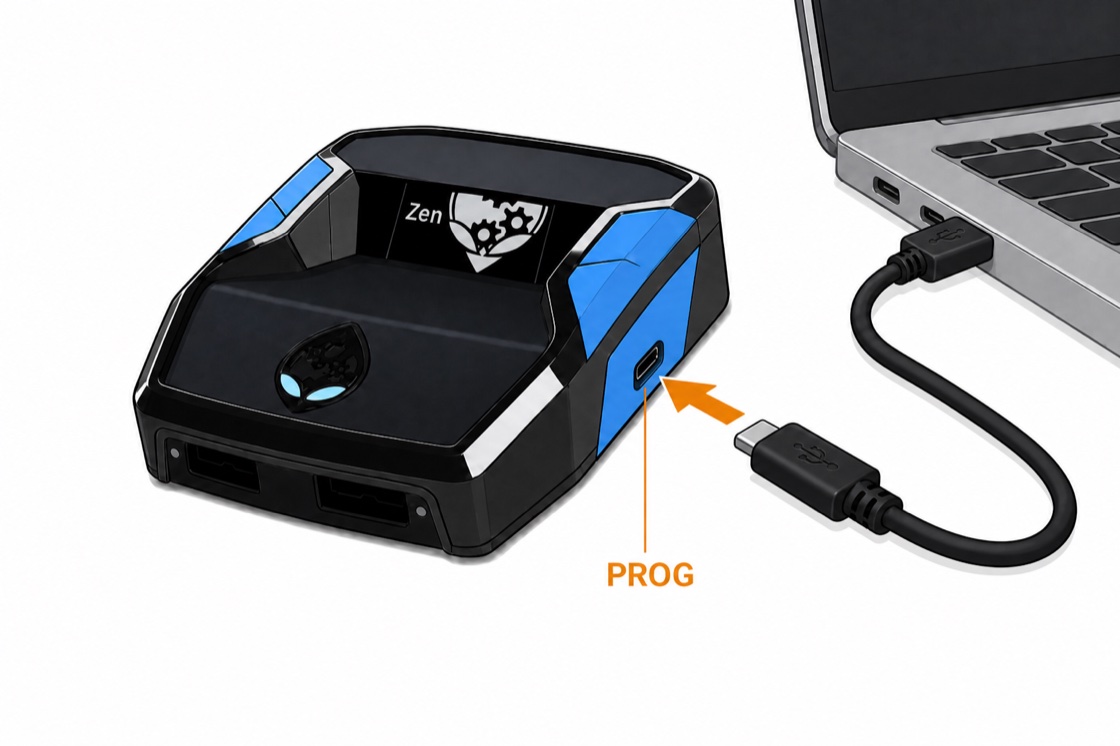
Connect Zen to PC with both cables (back CONSOLE + PROG). Open Zen Studio.
3
Compiler tab → drag in .gpc → Compile → drag into a memory slot.
4
Unplug PROG cable. Plug Zen into console. Play.
Using the generator
The generator on the Download page builds a custom script configuration from your height. It outputs a ready-to-compile .gpc file with your values pre-configured so you don't have to manually adjust everything in the mod menu.
1
Open the Download page and pick your script.
2
Set your height if the script uses the generator (Green, Hoops, and plus variants).
3
Download the generated .gpc file. Compile and load it like any other script.
Can't find downloads?
Make sure you're signed in with the same account you purchased with — check your purchase receipt email if you're unsure which one that is. Still missing? Open a ticket in Discord.